SHIPIT keyboard shortcuts
These are the keys worth knowing. The full list is always one click away in Settings.
-
01Every key in one place
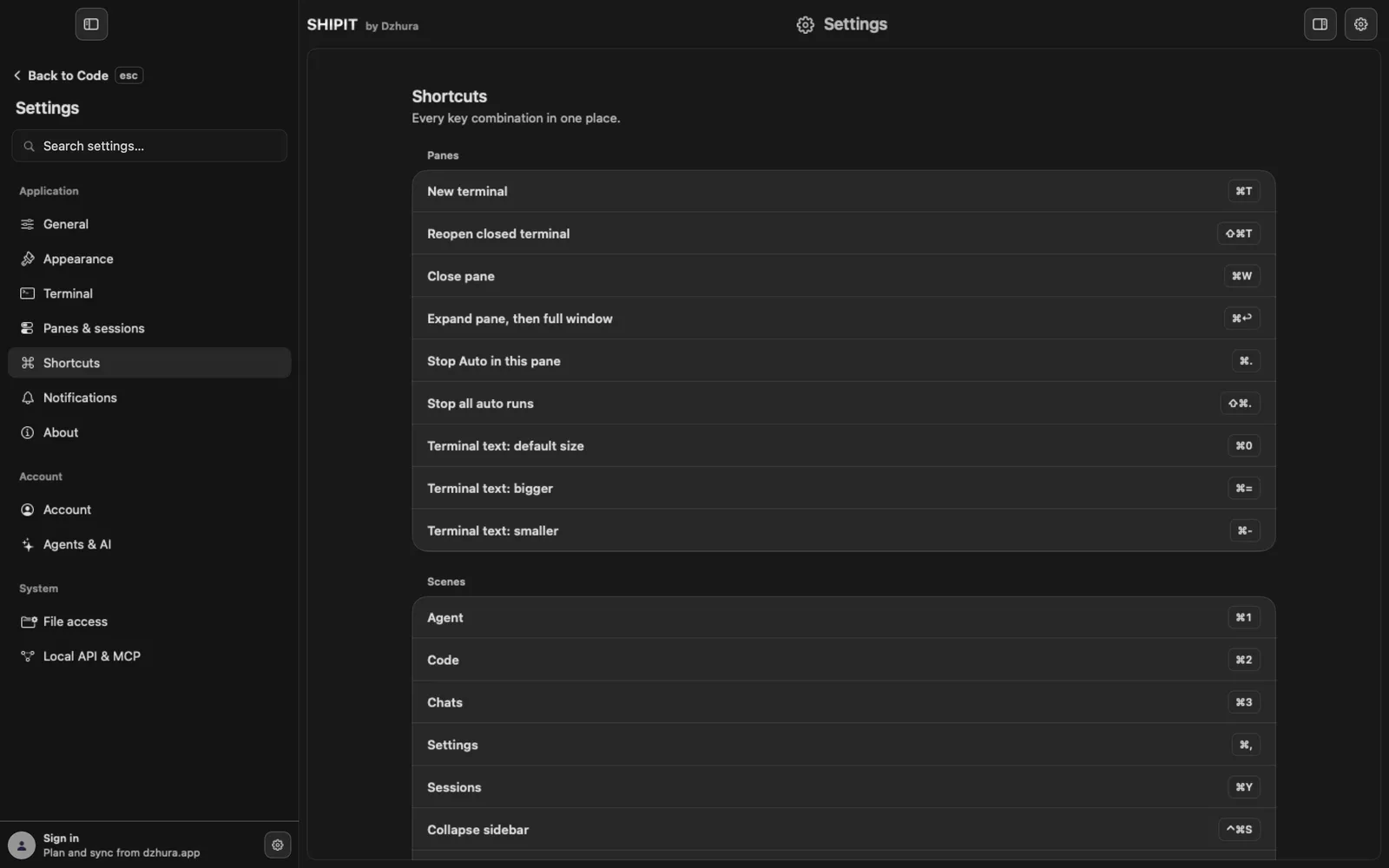
⌘,opens Settings, then Shortcuts. There are three groups: Panes, Scenes and Composer. -
02Panes
⌘Tnew terminal,⇧⌘Treopen the closed one,⌘Wclose the pane.⌘↩expands the pane, then full window, then back.⌘.stops Auto in this pane,⇧⌘.every auto run.⌘=and⌘-make terminal text bigger and smaller,⌘0resets it. -
03Scenes
⌘1Agent,⌘2Code,⌘3Chats,⌘,Settings,⌘YSessions,⌃⌘Scollapse the sidebar.Also in this group:
⌘Nnew chat,⇧⌘Amark notifications read,⌥⌘.stop all agents. -
04Collapse the sidebar
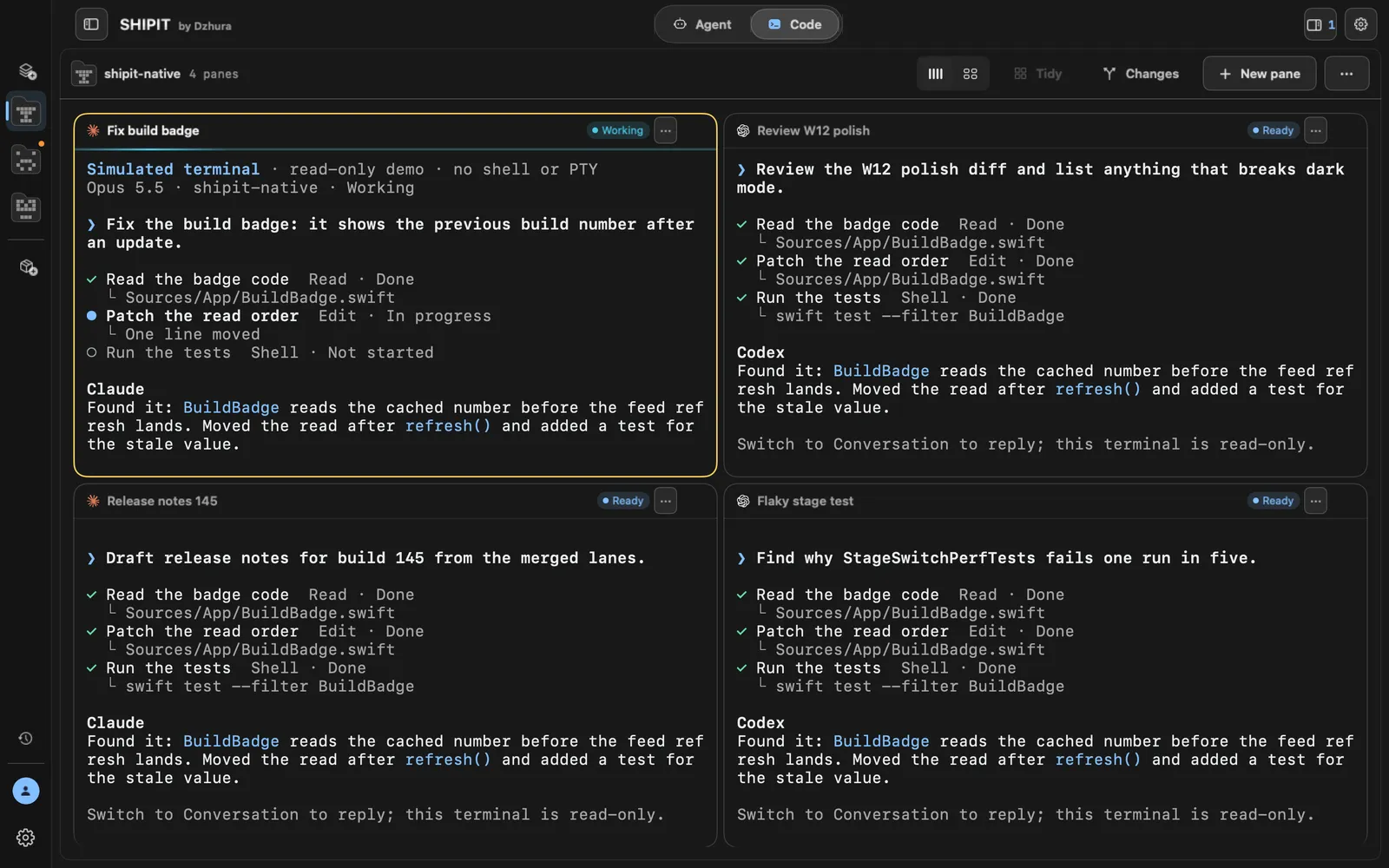
⌃⌘Shides the sidebar and gives the panes the full window width. The same keys bring it back. The button in the top-left corner of the window does the same. -
05Inside a terminal
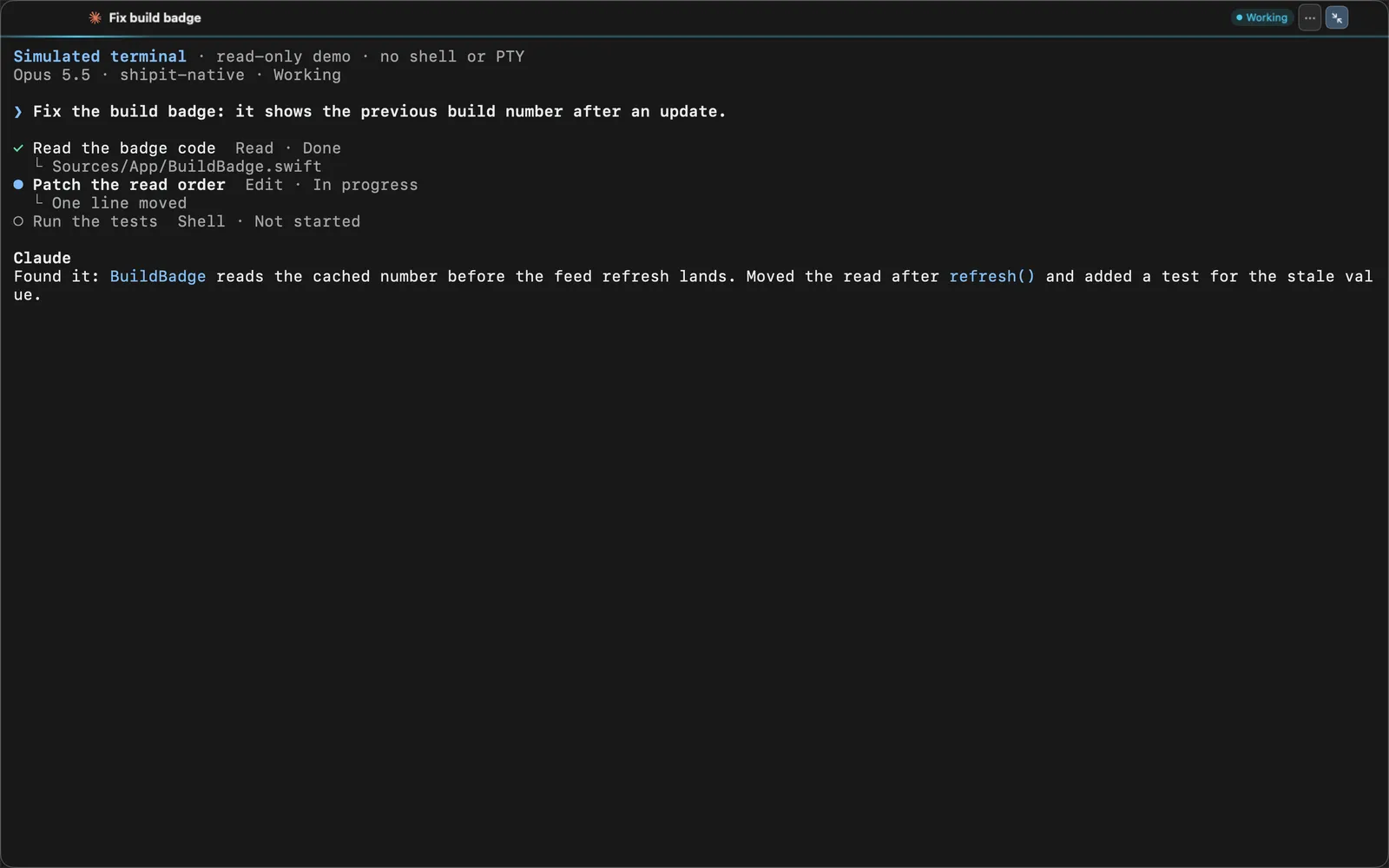
In a terminal pane:
⌘Ccopy the selection,⌘Vpaste,⌘Aselect all,⇧↩new line without sending,⌥⌫delete a word,⌘⌫delete the line,⌃Cinterrupt the process.⌘↩switches the pane view: expanded, full window and back to the grid.
Tips
- Agent composer: ⌘K quick actions, ⌘↩ send the turn.
- ⌘=, ⌘- and ⌘0 change only the terminal text, not the window.
- Closed a terminal with ⌘W by accident? ⇧⌘T or ⌘Y brings it back.
Questions
Why does ⌘W not close the window?
On the Code tab ⌘W closes the active pane, not the window. If Settings or another page is open on top, that page closes.
Does ⌘↩ do different things?
Yes. In the Agent composer it sends the turn; on a Code pane it switches the pane view.