SHIPIT FAQ
The essentials in brief: how to start, how agents work, privacy and your account. Common questions are answered below.
-
01Getting started
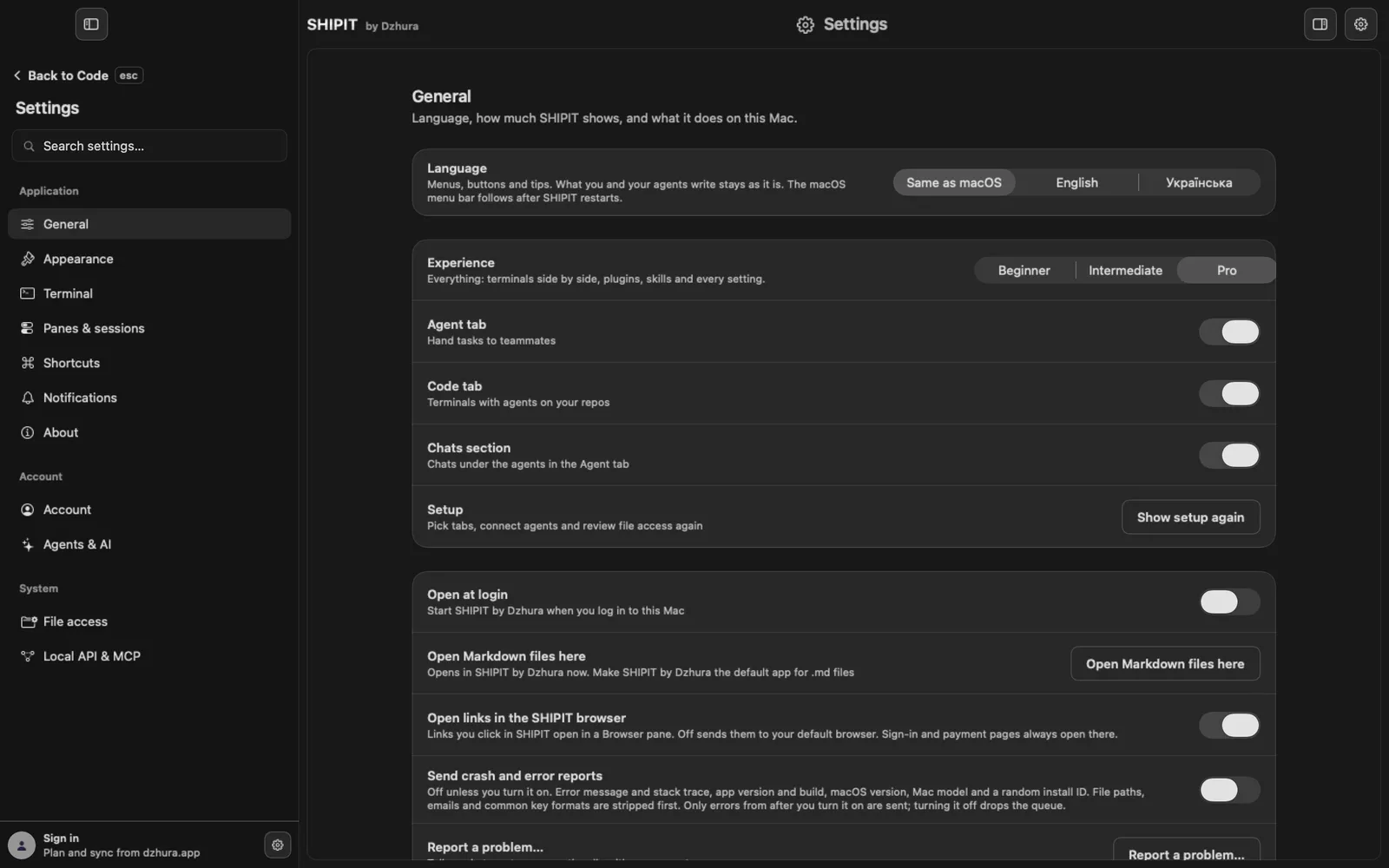
After the first launch SHIPIT walks you through a short setup. You can run it again at any time:
Settings › General, the Setup row, Show setup again.The same page has Experience: Beginner, Intermediate or Pro. More in levels and tabs.
-
02Agents
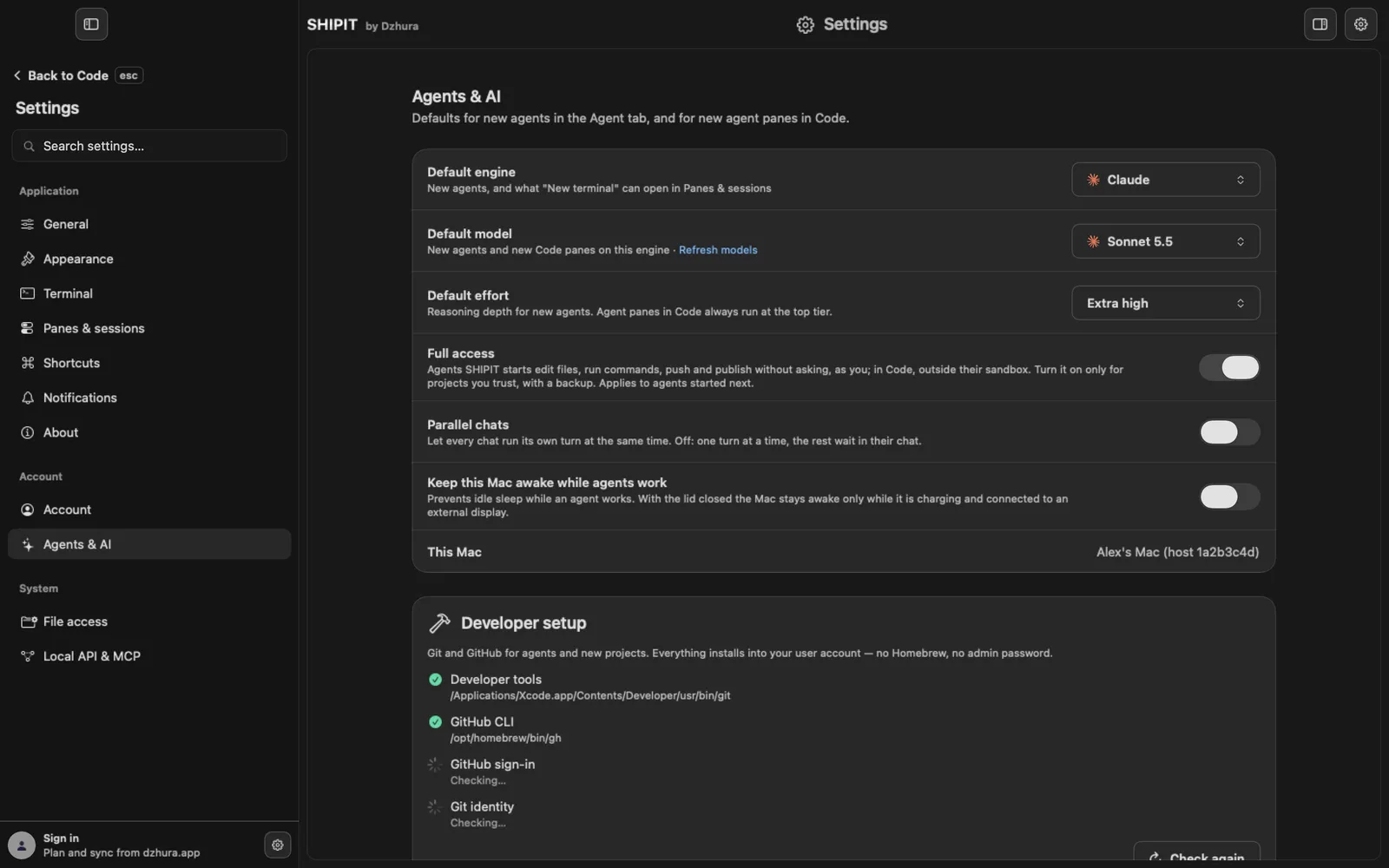
Agents run through Claude Code or Codex, under your own Anthropic or OpenAI subscription. You connect them in
Settings › Agents & AI.Chat is not a separate tab but a section inside the Agent tab. Start with the agent overview.
-
03Privacy
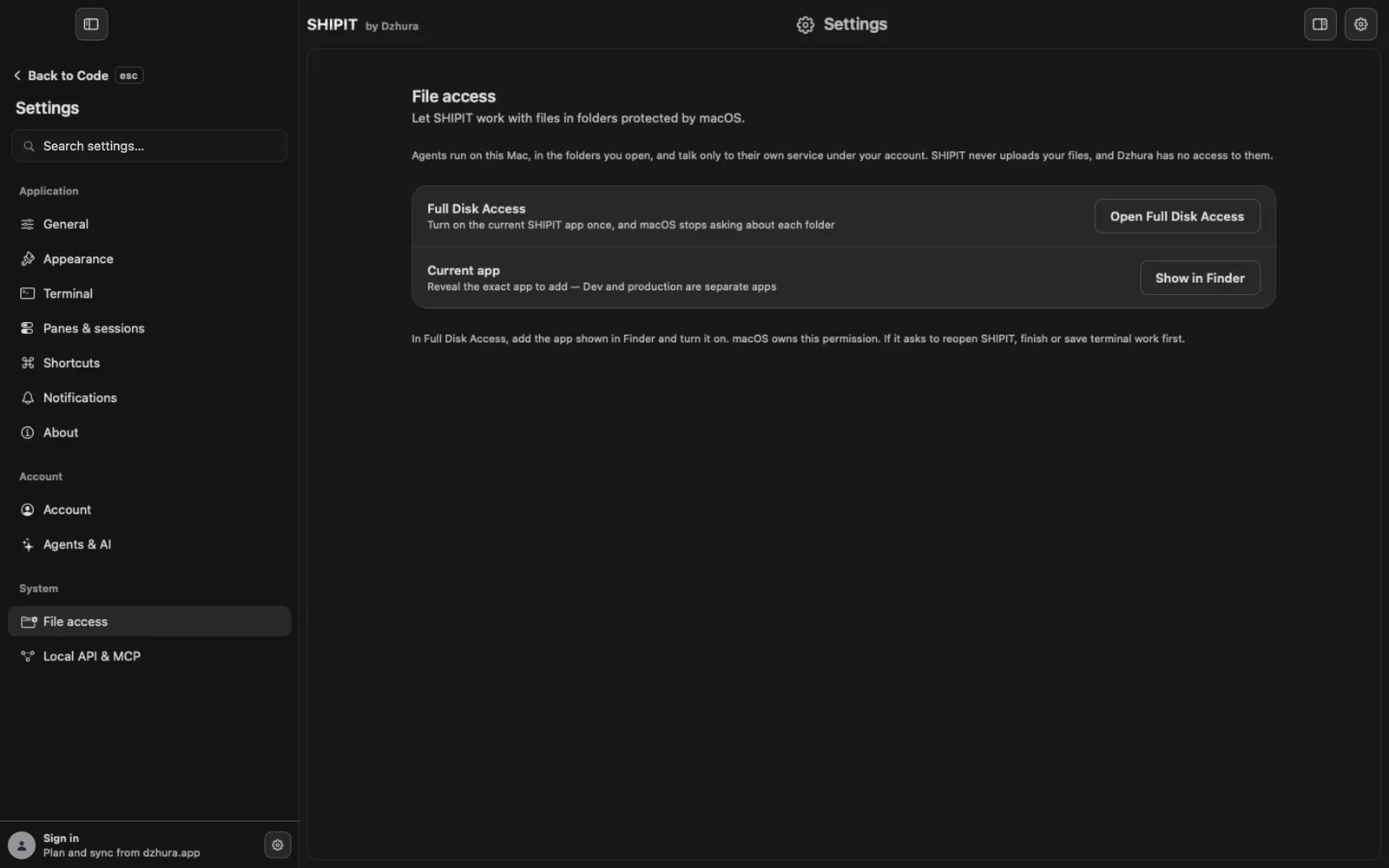
Files, prompts and answers stay on your Mac and go only to the services you connect. Agents ask before acting by default, and crash reports are off until you turn them on.
In detail: privacy and access and Full Disk Access.
-
04Account
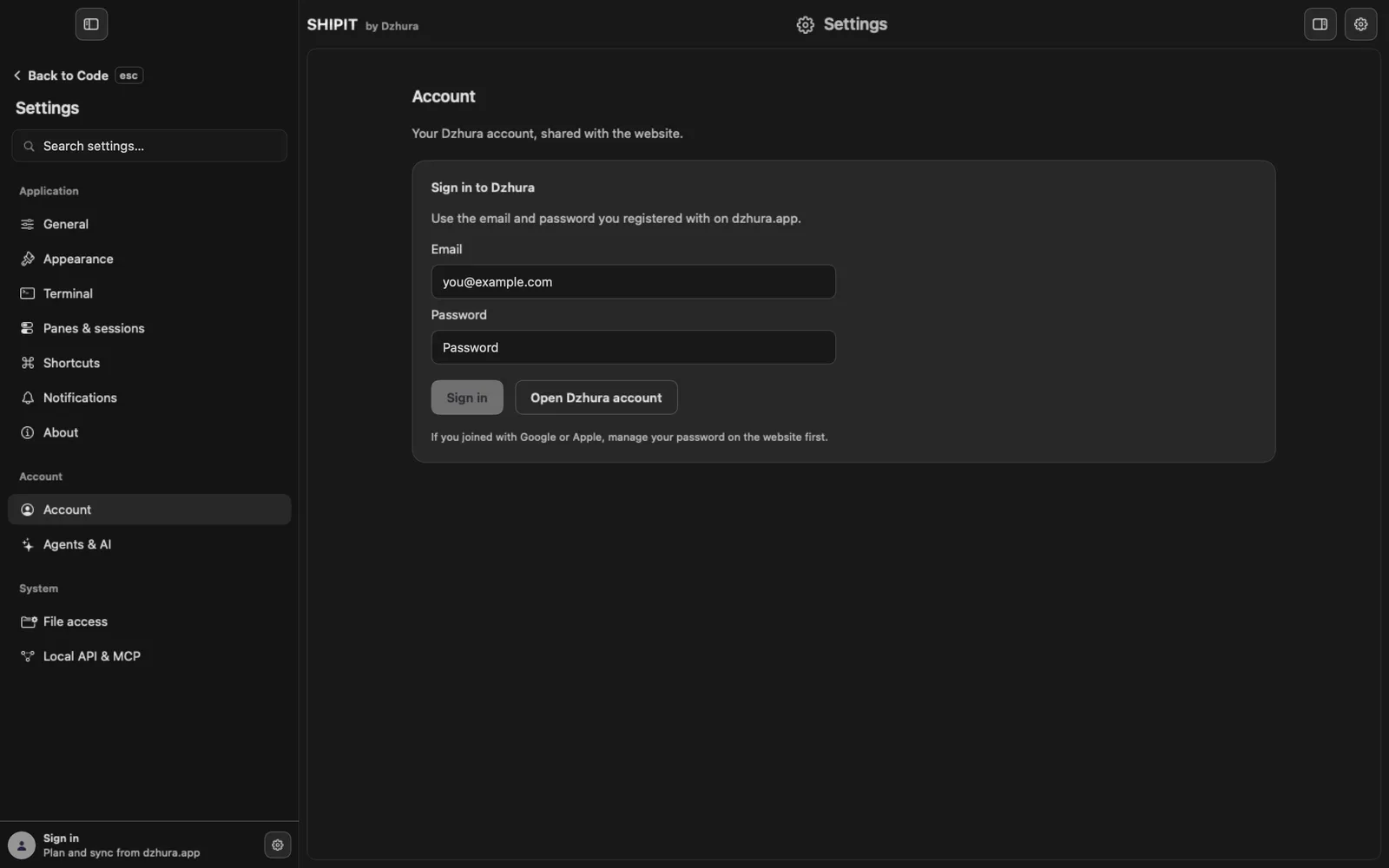
Your Dzhura account is the same as on dzhura.app. Sign in under
Settings › Account. If something goes wrong, see sign-in problems.Prices are on the home page, the terms of use at dzhura.app/shipit/terms.
Tips
- No answer here: Settings › General › Report a problem…
- Most glitches have a quick fix in the troubleshooting guide: symptom and fix.
Questions
How much does SHIPIT cost?
The current price is on the dzhura.app home page.
Do I need a Claude or ChatGPT plan?
Yes. The assistant works with a plan you pay Anthropic or OpenAI for, not SHIPIT. One plan is enough to start.
Do I need an API key?
No. SHIPIT never asks for an API key.
Can I change the level later?
Yes, in Settings › General › Experience, at any time.
Where is Chat?
It is a section inside the Agent tab. The Chats section switch in Settings › General turns it on.
Do agents change files without asking?
Not by default: Ask before acting is on, and an agent asks before edits and commands where it can.
How do I stop all agents at once?
Press ⌥⌘. (Option-Command-Period).
Does Dzhura see my files?
No. SHIPIT never uploads your files, and Dzhura has no access to them.
Are crash reports sent?
Only if you turn them on in Settings › General. They are off by default.
What happens when I quit SHIPIT?
It asks first, then stops agents and panes, and brings your open workspaces back on the next launch.
How do I update SHIPIT?
When a new build is ready, an update pill shows in the sidebar. To check by hand: Settings › About › Check for updates…
Is SHIPIT available in Ukrainian?
Yes. Settings › General › Language: Same as macOS, English or Українська.
Where are the terms of use?
At dzhura.app/shipit/terms.
Next
- Something is wrong: symptom and fixFind your symptom and do what it says. If that does not help, the last step shows how to tell us.
- First launch: setup in 5 stepsFive short steps, after which SHIPIT knows your level, your language and the rules for agents, and you have a first project under way.
- Connect Claude CodeIn a few minutes Claude Code is on your Mac and runs on the Claude plan you already have. You do not need a terminal.
- Updating SHIPITSHIPIT checks for updates by itself and installs nothing without you. A new build waits in the sidebar until you click it.