Connect Codex
Codex sets up the same way as Claude Code: one button to install, one to sign in. It runs on the ChatGPT plan you already have.
-
01Find the Codex card
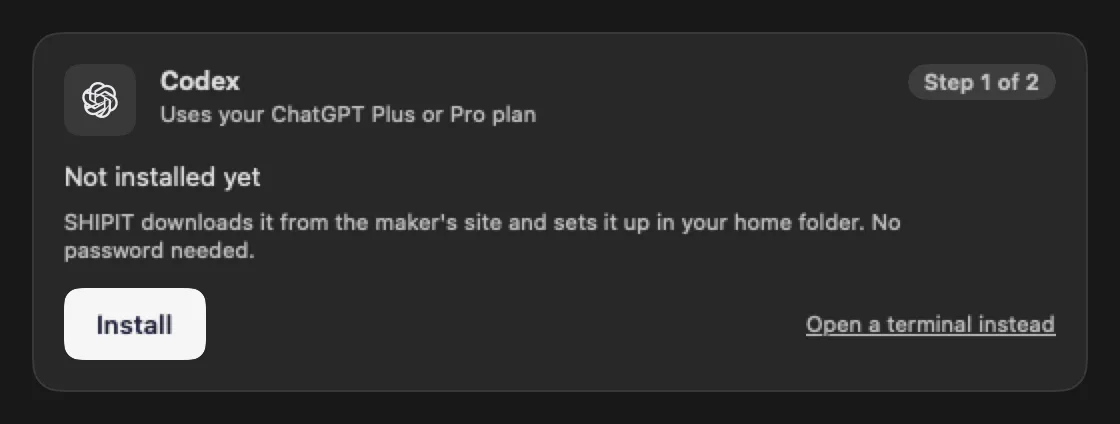
The Codex card sits next to the Claude Code card: on first launch on the Connect your assistant step, later in Settings → Agents & AI. Under the name it says Uses your ChatGPT Plus or Pro plan.
Click Install. The Installing Codex window opens, usually for one to three minutes.
-
02If the install stops
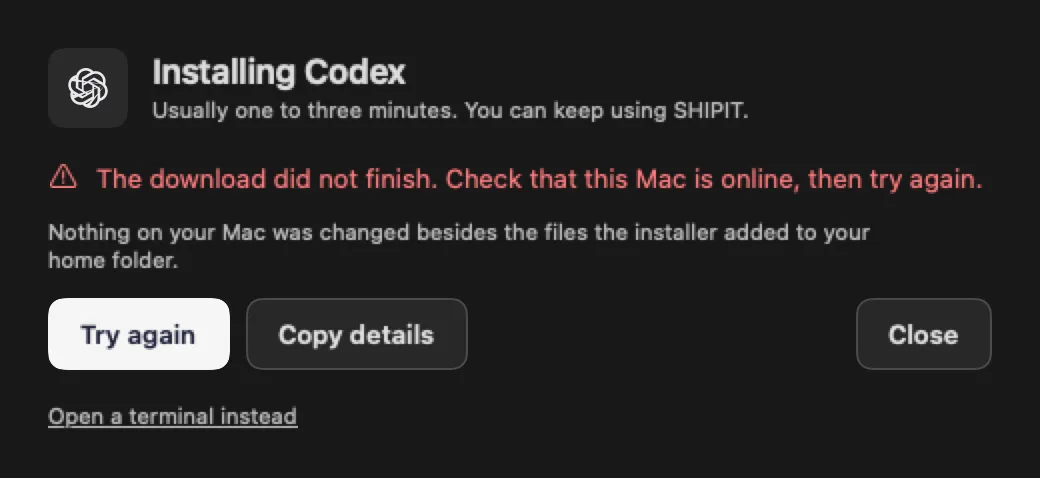
Most often it is the network, and SHIPIT says so: The download did not finish. Check that this Mac is online, then try again.
Check the connection and click Try again. Nothing on your Mac changed besides the files the installer added to your home folder.
-
03Sign in to your ChatGPT account
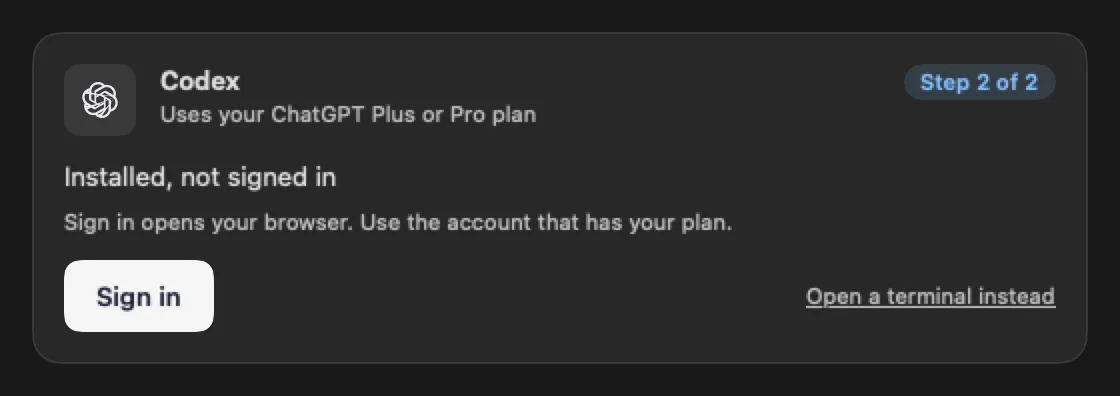
After the install the card says Installed, not signed in. Click Sign in and your browser opens the OpenAI sign-in page.
Sign in with the ChatGPT account that has your plan, then come back to SHIPIT. While you are in the browser, the card says Waiting for you to finish in the browser…
-
04SHIPIT does not open unknown links
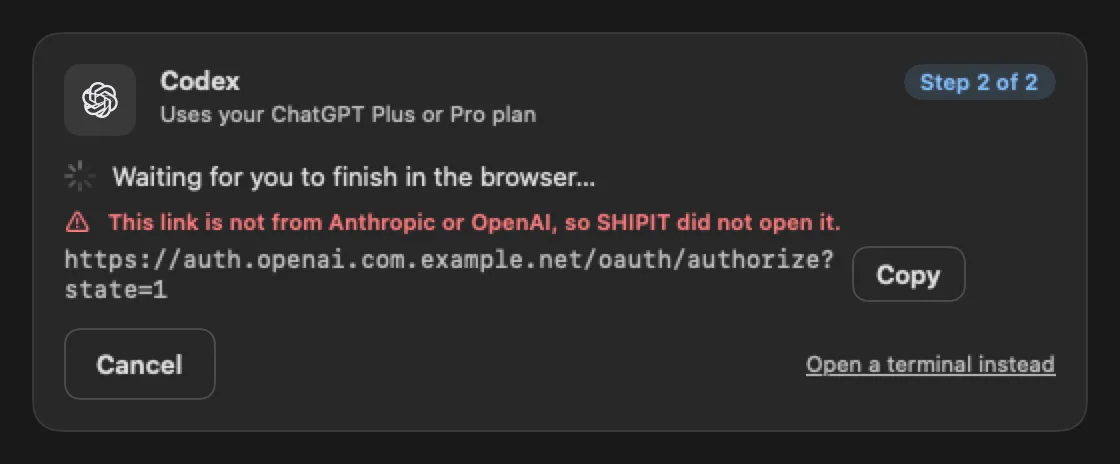
SHIPIT opens only Anthropic and OpenAI sign-in pages by itself. If a link points anywhere else, the card warns: This link is not from Anthropic or OpenAI, so SHIPIT did not open it.
The link is shown as text with Copy next to it. If you are not sure where it comes from, click Cancel and start the sign-in again.
-
05Check that it is ready
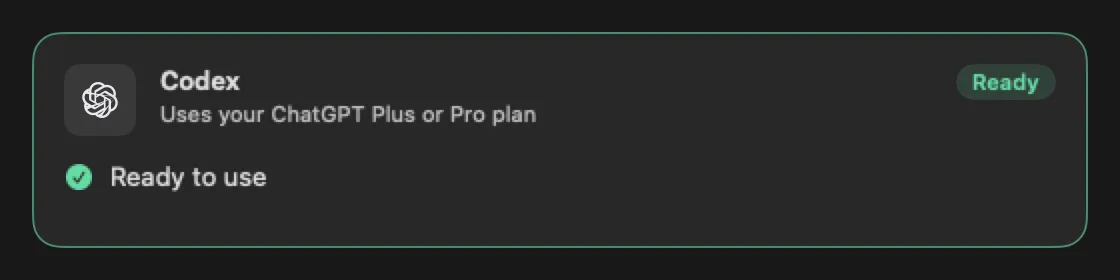
When the sign-in goes through, the Codex card turns green and says Ready to use, and the badge in the corner says Ready.
-
06No ChatGPT plan yet
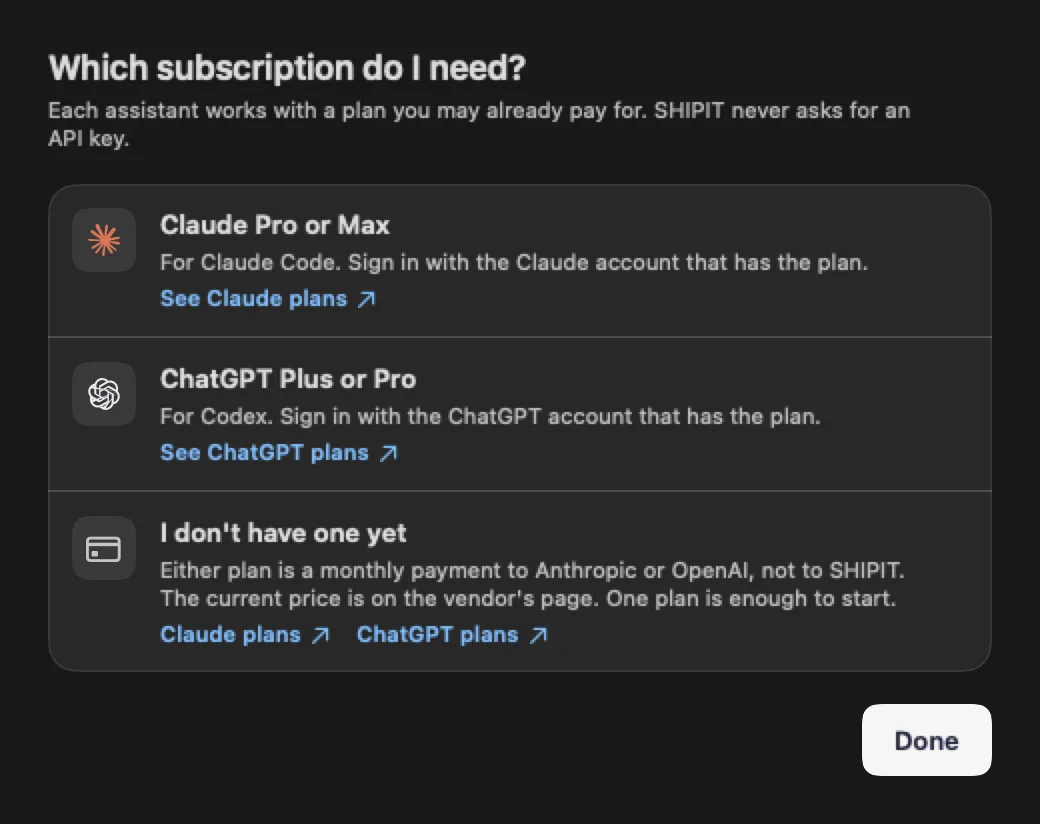
Click Which subscription do I need?. Codex works with a plan you pay OpenAI for, not SHIPIT. SHIPIT never asks for an API key.
See ChatGPT plans opens the current plans on the OpenAI site.
Tips
- Open a terminal instead runs the same steps in a Code pane where you see every line.
- With both assistants connected, pick the default in Settings → Agents & AI → Default engine.
Questions
The browser says I signed in, but the card does not.
This happens when you signed in to a different account. Click Sign in again and pick the ChatGPT account that has the plan.
Where does SHIPIT put Codex?
In your home folder, under ~/.local/bin, using the official OpenAI installer.